
The "Ghost Data" Mystery: Why Your Excel File is 50MB (and How to Fix It)
Thành Thái
4/9/2026
The Culprit: "Infinite" Formatting
The most common cause of Ghost Data isn't the data itself—it's the formatting.
If you once highlighted an entire column (all 1,048,576 rows) to turn it yellow or add a border, Excel now thinks it needs to "remember" the properties of over a million empty cells. Even if you delete the content, the "Ghost Formatting" remains.
Step 1: Locating the "End" of Your Sheet
How far does your spreadsheet actually go?
Open your heavy file.
Press Ctrl + End.
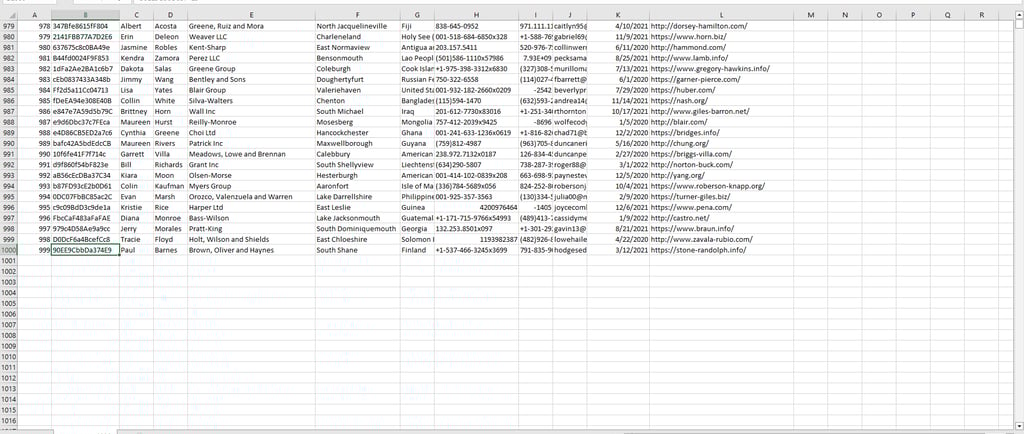
The Lab Test: If your data ends at row 1000, but Ctrl + End takes you to row 1,048,576, you have a Ghost Data problem. Excel is trying to process millions of empty, formatted cells.
Step 2: The Manual "Exorcism"
To fix this, we need to tell Excel where the party actually ends.
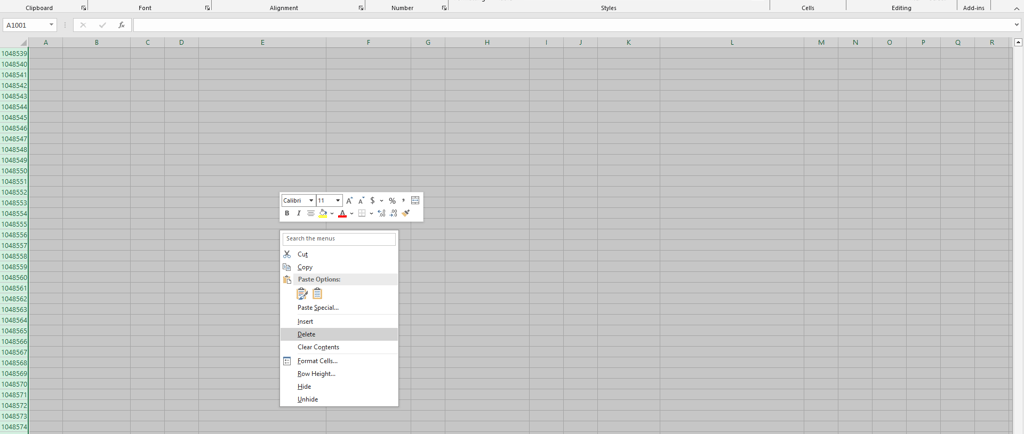
Select the first empty row below your actual data.
Press Ctrl + Shift + Down Arrow to select everything to the bottom.
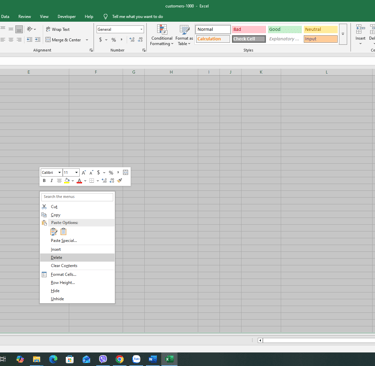
Right-click and select Delete (Do not just press 'Delete' on your keyboard; you must right-click and delete the actual rows).
Do the same for any empty columns to the right.
Crucial: Save the file immediately. Excel won't recalculate the file size until you hit Save.
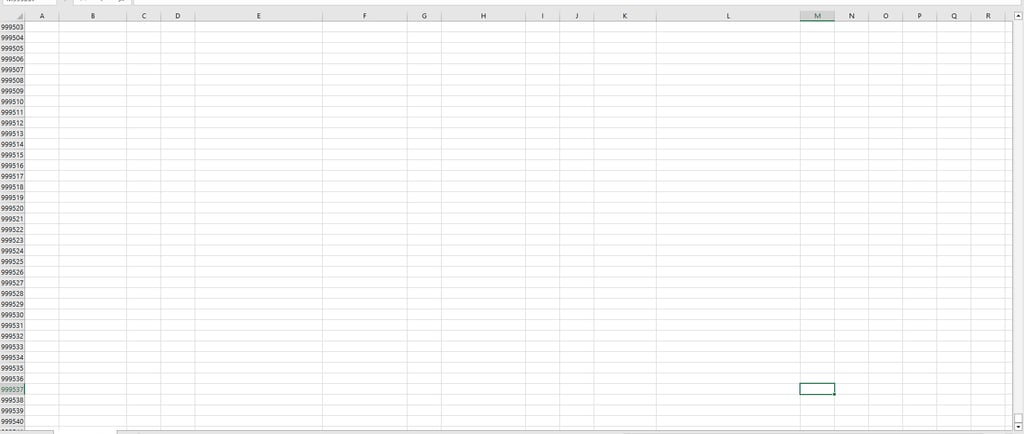
Press Ctrl + End.
Step 3: Using the "Inquire" Power Tool
If you have Excel Professional Plus or Microsoft 365 Enterprise, you have a secret laboratory tool called "Inquire."
Go to File > Options > Add-ins.
Select COM Add-ins from the dropdown and click Go.
Check the box for Inquire.
A new "Inquire" tab will appear. Click "Clean Excess Cell Formatting." This tool scans your workbook and wipes away every invisible border and "Ghost" color in one click.
Why This Matters for Your Career
A 50MB file is hard to email, slow to load in Teams, and prone to crashing during a presentation. By keeping your files "lean," you ensure your reports are:
Sharable: Fits easily under the 20MB email limit.
Stable: No more "Excel is not responding" messages.
Professional: It shows you understand the technical limits of your tools.
Final Lab Report
Don't let Ghost Data haunt your workday. A clean sheet is a fast sheet. If your file is still huge after these steps, check for Hidden Sheets or High-Resolution Images hidden behind shapes!
Product
© 2026. All rights reserved.